Current activity
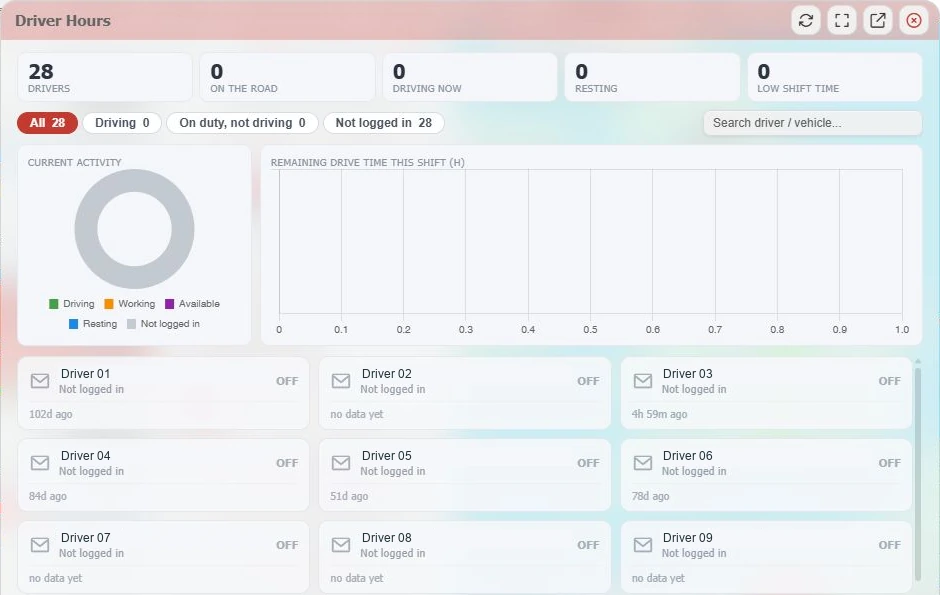
Driving, working, available, resting and not-logged-in categories help organise the view.

The driver’s day, in view
Bring driver activity and available shift-driving information into your fleet view. See who is driving, working, available or resting when compatible tachograph data is supplied.
An overview for the office
Summary tiles show driver totals, on-road, driving, resting and low-shift-time counts. Current-activity and remaining-drive-time charts bring the available information together.
Search by driver or vehicle and filter to driving, on duty but not driving, or not logged in. Driver cards show activity and the last data time so the office can assess how current the view is.
Useful at a glance
Available driver-hour information depends on the tachograph, connected device and data being reported.
Driving, working, available, resting and not-logged-in categories help organise the view.
Use the remaining-driving-time chart and low-shift-time overview where the required readings are available.
Find a driver or vehicle, filter activity and use fullscreen or pop-out controls for the workspace.
A better dispatch decision
Current activity, driving time and downloaded records answer different questions. Use each in the right part of your process.
Look at the data time and driver identity before allocating work. Logged-out or stale information is a gap to resolve, rather than confirmation of availability.
Allow for travel, loading, delays, breaks and a suitable stopping place. Remaining driving information is one input to planning the work.
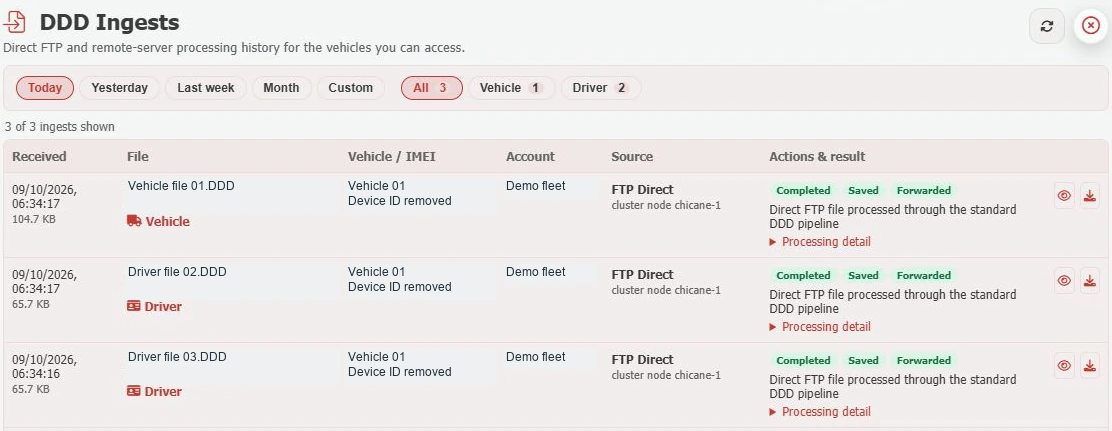
Use downloaded records in your analysis process, investigate exceptions and document follow-up. Live visibility does not replace these responsibilities.
The rules depend on your vehicle and operation. Read DVSA’s goods-vehicle guidance for the applicable scope, rules and exceptions.
A little more know-how
See how current driver activity supports planning, and why it needs to sit alongside records and a proper review process.
Read the guideHow driver-card and vehicle-unit files, authentication, download checks and an archive fit together.
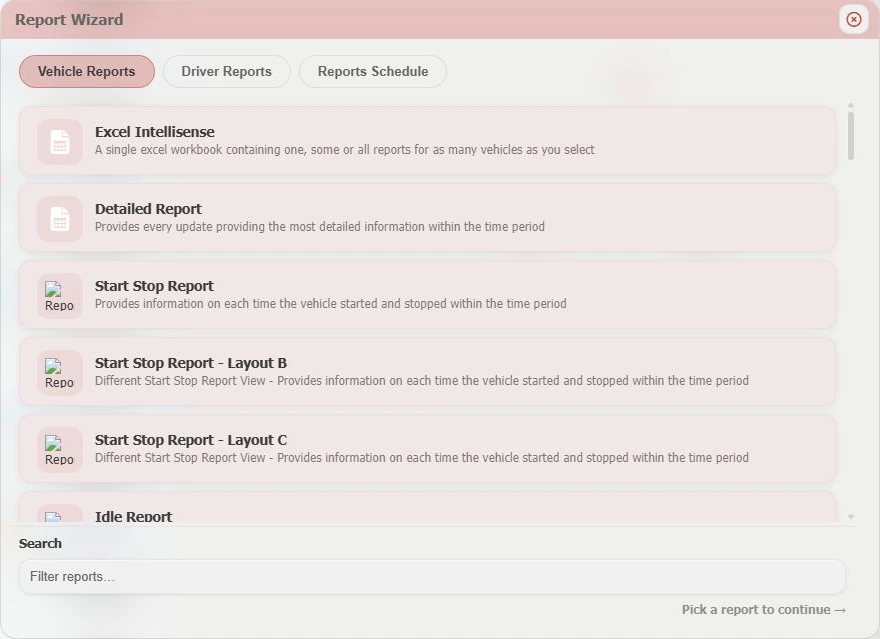
Read the guideBuild a manageable reporting rhythm for mileage, journeys, idling, site activity and vehicle-check exceptions.
Read the guideBuilt around your operation
Talk to us about compatible equipment and the driver information your team needs.