Use current activity to support dispatch decisions. Check data freshness, the applicable rules and the driver’s full circumstances before allocating work.
What the live view helps you do
An office planning the next collection needs more than a nearby vehicle. It needs to understand the driver’s current activity and whether the available information is recent enough to support a decision. GTrak’s Driver Hours view groups available activity and remaining shift-driving information from compatible tachograph data.
Search by driver or vehicle, review activity categories and inspect the last data time. Treat a logged-out driver or a stale update as a gap to resolve. A screen that has stopped receiving information should not be read as confirmation that someone is available.
Driving time is one part of the day
Driving limits, breaks, daily and weekly rest, and working time are related requirements with different purposes. Driving time alone does not describe all work. Loading, checks and other duties can matter to the assessment of a driver’s day.
Which rules apply depends on the vehicle and operation. DVSA’s goods-vehicle guidance covers assimilated and AETR rules, GB domestic rules and mixed driving. Use the official guidance for your operation, including international work, rather than assuming one rule set covers the whole fleet.
Build a sensible dispatch check
Use the platform as the start of a planning conversation. Review the latest activity and available time, then consider the work ahead: travel, loading, likely delays, parking and the return journey. The nearest vehicle is not automatically the best option.
Speak to the driver through an appropriate, safe process if the picture is incomplete. Keep responsibility for transport planning with the people who understand the operation and its applicable rules.
- Check the driver identity and latest data time.
- Review current activity and available driving information.
- Allow for the whole job, delays and a suitable stopping place.
- Resolve missing information before allocating the work.
Connect the view to your records
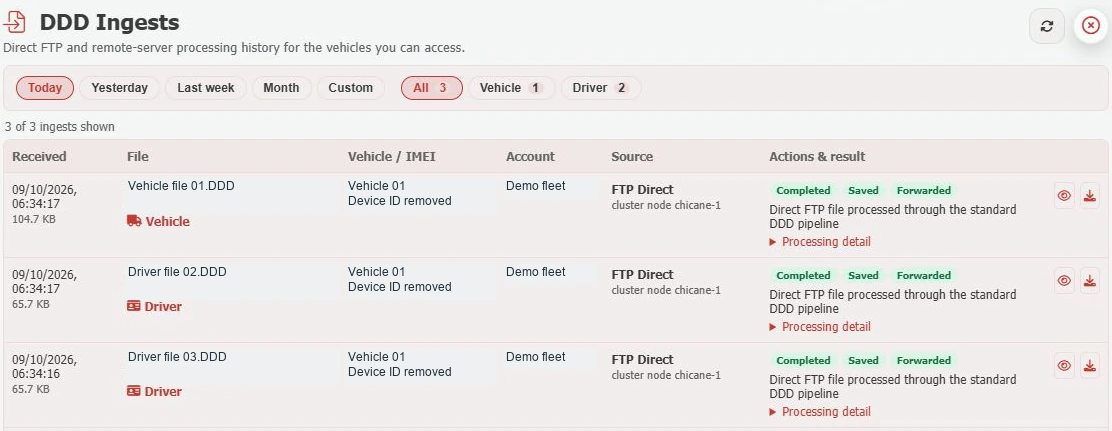
Live activity supports the current working day. Downloaded driver-card and vehicle-unit files provide records for your review workflow. GTrak brings those workflows together, but a downloaded file still needs the appropriate analysis and follow-up. The public example shows logged-out drivers; it is a view of the controls, not evidence of a live shift.
Further reading & official guidance
Use the linked guidance for its full scope, exceptions and current requirements. This guide explains the fleet workflow and does not replace your assessment of the rules that apply.
From explanation to a working example
See it for your fleet.
Talk to GTrak about your vehicles, available data and the tools your team needs.