A CAN-capable tracker does not guarantee every reading. Confirm the vehicle, interface, device and supported signals as one setup.
Start with the connection
CAN is a vehicle communications network. FMS provides a standardised route to selected fleet data on supporting commercial vehicles. OBD is a diagnostic interface commonly used on cars and light commercial vehicles. The names describe connections and standards; they are not a promise of a complete reporting dataset.
Available signals vary by manufacturer, model, year and configuration. Even vehicles with a familiar connector can provide different information. An installation may need a supported gateway or another appropriate interface, which should be confirmed before hardware is chosen.
Ask for the readings you need
Describe the decisions you want to make first. If the aim is fuel review, ask what consumption, level and distance data the proposed setup can supply. If the priority is AdBlue, ask specifically about that signal. A GPS position does not establish either capability.
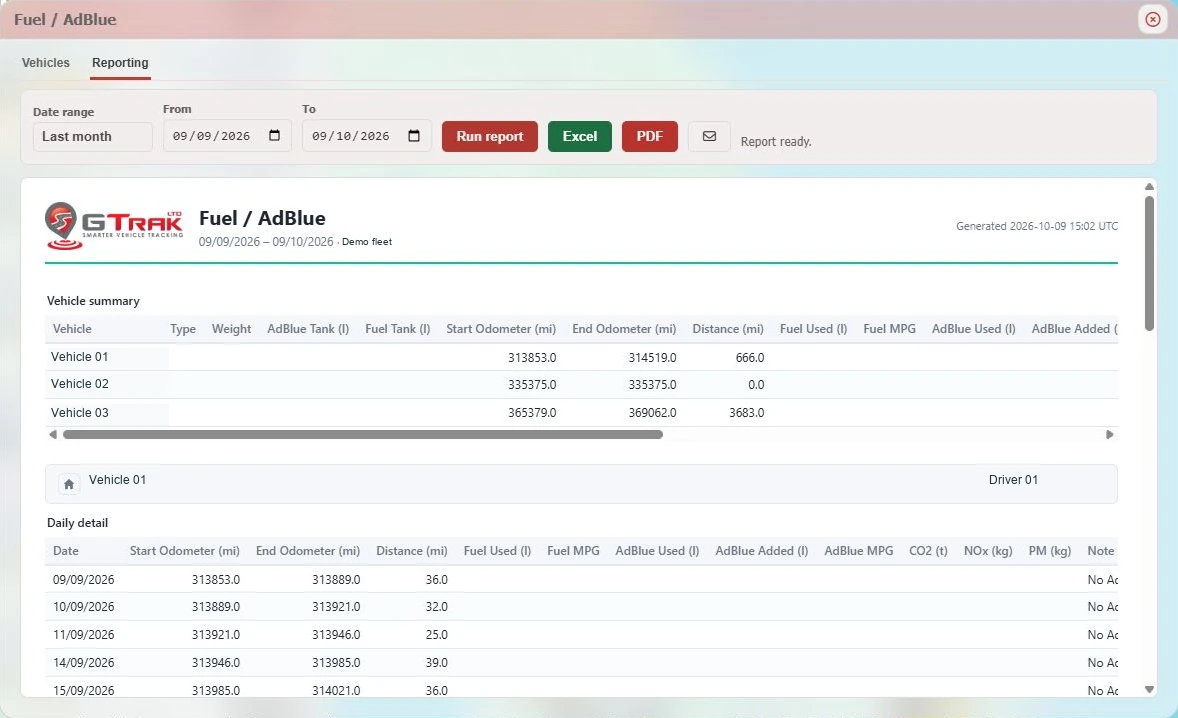
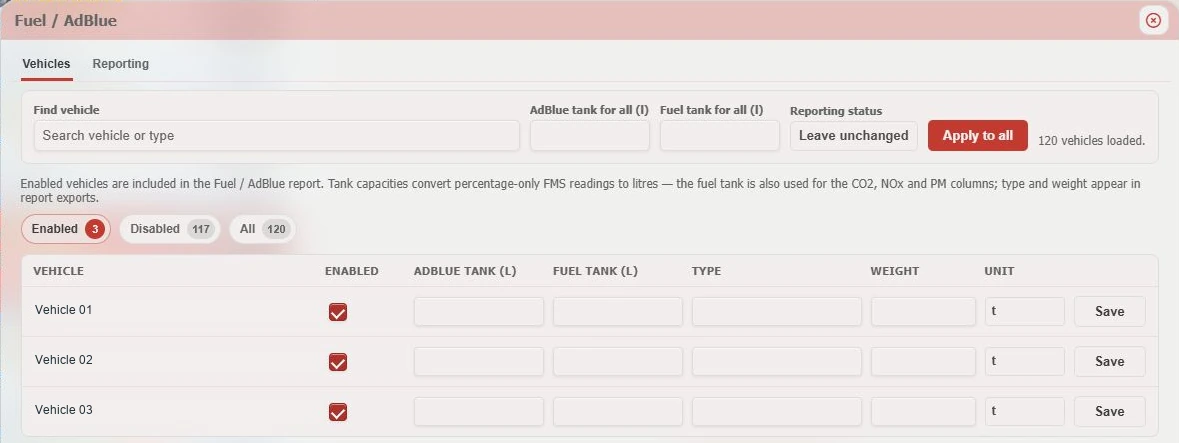
Distinguish a reported measurement from a calculated output. A litre figure derived from a percentage needs a configured tank capacity. A calculated emissions field is not a direct measurement at the exhaust. The report should make those differences clear.
Check the installation with a sample report
Before rolling out across a mixed fleet, agree how the supported readings will be checked. Review a sample period for gaps, sensible units and consistency with the vehicle’s work. Missing values should remain visibly missing; they should not be treated as zero consumption.
Ask who maintains vehicle configuration when a unit moves to another vehicle or a tank changes. A good installation process records the vehicle and equipment together so the office can understand what its reports mean.
- Share makes, models, years and existing devices.
- List the readings and reports your team needs.
- Confirm the interface and supported equipment.
- Check configuration, units and a sample report before rollout.
How GTrak connects the information
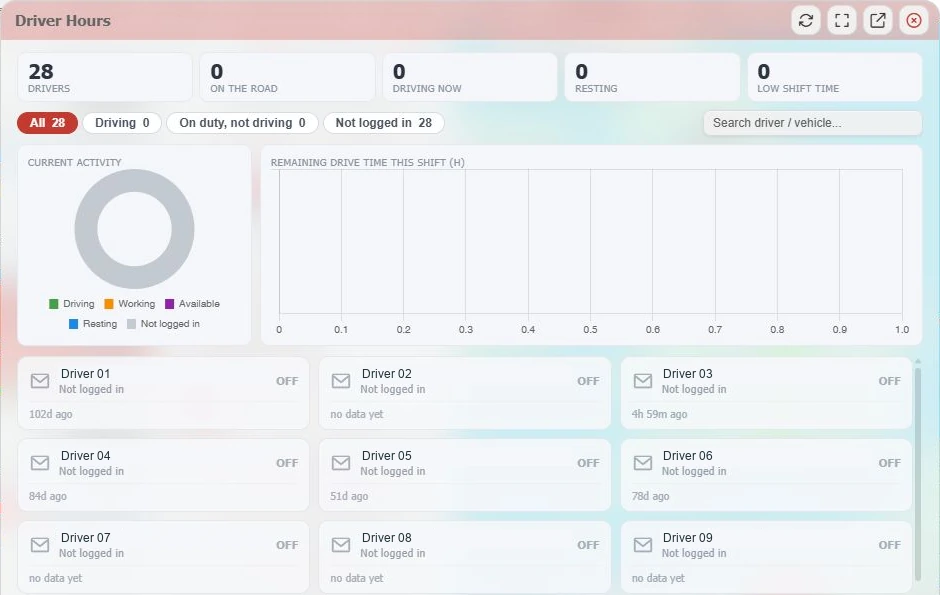
GTrak places supported CAN/FMS information alongside tracking, vehicle status and fleet reporting. Its fuel and AdBlue setup includes reporting selection and tank capacities. We use your actual vehicle list to confirm the supported setup rather than treating the whole fleet as identical.
Further reading & official guidance
Use the linked guidance for its full scope, exceptions and current requirements. This guide explains the fleet workflow and does not replace your assessment of the rules that apply.
From explanation to a working example
See it for your fleet.
Talk to GTrak about your vehicles, available data and the tools your team needs.